

| Minimum storage for a family laptop | 256 GB (SSD recommended) (General consumer guidance; varies by usage) |
| Typical RAM for smooth everyday use | 8 GB (16 GB for heavier multitasking) (General consumer guidance) |
| What 1 TB of storage holds (approx.) | ~250,000 photos or ~500 hours of HD video (Estimates based on average file sizes) |
| RAM vs. storage | RAM is temporary; storage is permanent |
| CPU generations matter | Newer generations are more efficient, not just faster (See processor generation explainer) |
Why These Three Specs Matter More Than the Rest
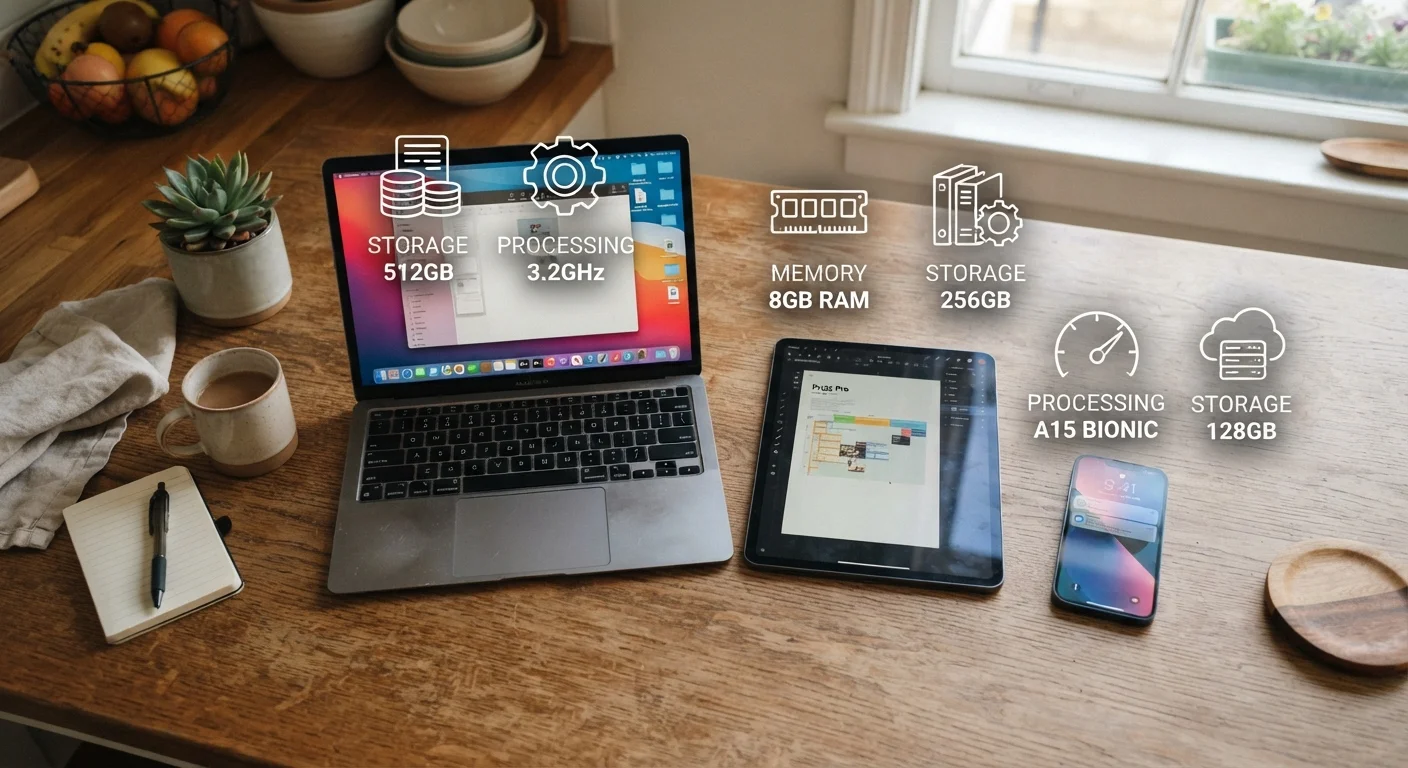
When a device feels sluggish, freezes mid-task, or runs out of space, the cause almost always comes back to one of three things: storage, RAM, or processing power. These specs appear on nearly every device label - laptops, tablets, phones, even smart TVs - yet most households buy without a clear sense of what they mean in practice.
Think of it this way: storage is your device's filing cabinet, RAM is its desk space, and the processor is the person sitting at the desk. You can have a huge filing cabinet, but if the desk is tiny and the worker is slow, everything bogs down. Understanding how these three interact helps you recognize what actually causes everyday frustration - and what to look for when a device needs replacing.
For a broader look at how specs apply across other categories, see our TV specs explainer or the Family Household Appliance Glossary.
Storage (SSD / HDD)
The long-term space where your device saves files, apps, photos, and videos - even when powered off. SSDs (solid-state drives) are faster and more durable; HDDs (hard disk drives) are older and slower but often offer more capacity for less cost.
RAM (Random Access Memory)
Short-term working memory that holds whatever your device is actively using right now - open browser tabs, running apps, a video call. More RAM lets a device juggle more tasks at once without slowing down.
Processor (CPU)
The central processing unit - the component that executes every instruction your device receives. Speed and generation determine how quickly and efficiently it handles tasks like loading web pages, editing photos, or running apps.
Clock Speed (GHz)
A measure of how many operations a processor can perform per second, expressed in gigahertz. Higher is generally faster, but core count and generation matter just as much as raw clock speed.
Core Count
The number of independent processing units inside a CPU. More cores allow a processor to handle multiple tasks simultaneously - useful for video calls, multitasking, or streaming while other apps run in the background.
Cache
A very small, very fast type of memory built directly into the processor. It stores frequently used data so the CPU doesn't have to fetch it from RAM each time, speeding up common operations.
Storage: Your Device's Long-Term Filing Cabinet
Storage is where everything lives permanently: the family photo archive, your child's school project files, downloaded apps, and the operating system itself. When you power a device off and back on, storage is why nothing disappears.
Two main technologies dominate: SSDs (solid-state drives) and HDDs (hard disk drives). SSDs have no moving parts, so they read and write data far more quickly - you'll notice this most at startup and when opening apps. HDDs are slower but historically offer more gigabytes per dollar, making them common in external backup drives.
For a family laptop used for schoolwork, video calls, and general browsing, 256 GB of SSD storage is a reasonable floor. Households that store lots of photos or videos locally should look toward 512 GB or more. Cloud services can supplement on-device storage, but they depend on a reliable internet connection.
| Minimum storage for a family laptop | 256 GB (SSD recommended) (General consumer guidance; varies by usage) |
| Typical RAM for smooth everyday use | 8 GB (16 GB for heavier multitasking) (General consumer guidance) |
| What 1 TB of storage holds (approx.) | ~250,000 photos or ~500 hours of HD video (Estimates based on average file sizes) |
| RAM vs. storage | RAM is temporary; storage is permanent |
| CPU generations matter | Newer generations are more efficient, not just faster (See processor generation explainer) |
RAM: The Desk Space Your Device Works On
RAM holds the data your device is actively using right now. Every open browser tab, streaming video, and running application occupies a slice of RAM. When RAM fills up, the device has to move data in and out of storage to compensate - and that's when slowdowns and freezing begin.
For most family use - web browsing, video calls, schoolwork, and media streaming - 8 GB of RAM handles daily tasks without strain. If several family members share a device, or if someone in the household does light photo or video editing, 16 GB provides noticeably more breathing room.
One important distinction: upgrading RAM helps a slow device multitask better, but it won't make individual tasks like loading a webpage faster on its own. That's where the processor comes in. For more on how RAM applies specifically to phones, see our smartphone specs guide.
Specs Alone Don't Tell the Whole Story
A device with strong specs can still underperform if its software is poorly optimized or its cooling system is inadequate. When evaluating a device, consider real-world user reviews alongside spec sheet numbers. This guide provides general education - your specific needs will shape which numbers matter most for your household.
Processing Power: The Engine Behind Everything
The processor - or CPU - executes every instruction your device receives, from rendering a webpage to running a video call. Two numbers matter most: clock speed (measured in GHz) and core count. Clock speed reflects how quickly a single operation happens; core count determines how many things a processor can do at the same time.
For everyday family tasks, a modern processor with four or more cores handles multitasking comfortably. Processor generation also matters - newer generations are engineered for better energy efficiency and can outperform older chips even at similar clock speeds. For a plain-English breakdown of CPU generations, our processor generations guide explains when a newer chip genuinely makes a difference.
Storage, RAM, and processor work together as a system. Strengthening only one element has limited impact if the others are outdated. When evaluating any device, consider all three alongside real-world use cases for your household - and consult our smart shopping starting point for practical decision-making habits that apply beyond specs alone.