

Key Takeaways
- A tech ecosystem is the collection of devices, accounts, and services that share data and work together in your home.
- Devices from the same platform ecosystem generally connect more smoothly than cross-platform combinations.
- Account management - including who shares what - is often the hidden source of household tech frustration.
- No ecosystem is perfect; understanding the trade-offs helps you make deliberate choices rather than accidental ones.
- Parental controls and privacy settings need to be configured per-platform, not just per device.
Start here
What Is a Family Tech Ecosystem?
Next
How Devices Communicate With Each Other
Then
Accounts, Platforms, and Why They Create Friction
Apply it
Managing a Multi-Device Household Practically
Keep going
Where to Go From Here
What Is a Family Tech Ecosystem?
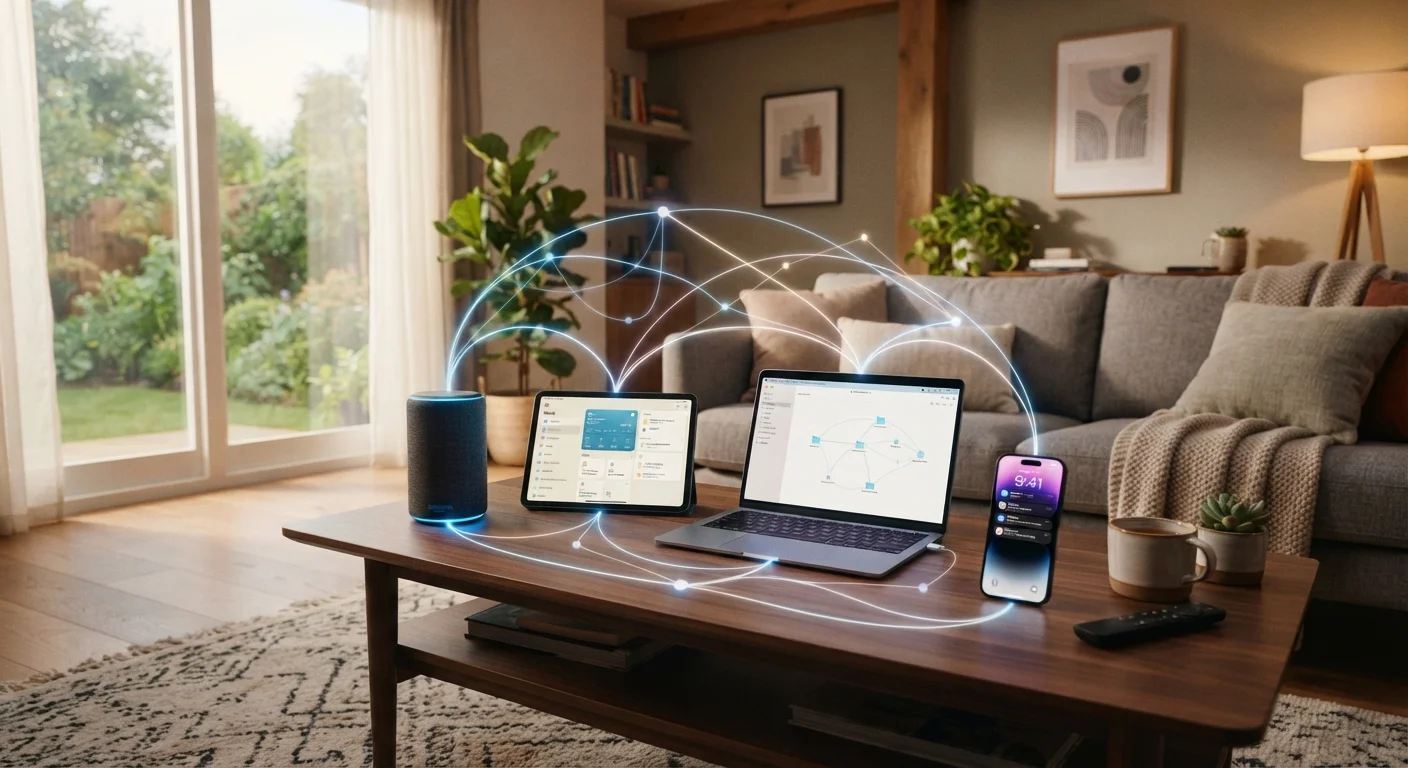
The phrase tech ecosystem describes the web of devices, accounts, apps, and cloud services that a household uses - and how they interact. Your smartphone, your child's tablet, the laptop on the kitchen counter, and the smart speaker in the living room are not isolated gadgets. Each one connects to the internet, signs into accounts, and in many cases, shares data with the others.
Understanding this as a system - rather than a collection of unrelated purchases - changes how you think about every device decision. Adding a new tablet isn't just a hardware choice; it's a question of which accounts it will sign into, whose data it will access, and whether it plays nicely with everything else already in the home.
Platform ecosystem
A group of hardware and software products designed by one company to work together - sharing accounts, data, and features - such as Apple's or Google's device families.
Wireless protocol
A set of technical rules that determines how devices send and receive data wirelessly - examples include Wi-Fi, Bluetooth, and Matter.
Cloud service
Storage or computing power provided over the internet rather than on the device itself - for example, a service that automatically backs up your photos to remote servers.
Family sharing
A feature offered by most major platforms that lets multiple household members access shared purchases and content under separate personal accounts managed by one adult.
Cross-platform compatibility
The ability of devices or apps from different companies or operating systems to work together and share data without requiring the same platform.
Broadly speaking, household tech ecosystems divide along platform lines: Apple, Google (Android), and Microsoft are the three dominant ones for personal devices. Smart home devices add a fourth layer, often tied to Amazon Alexa, Google Home, or Apple HomeKit. See the Smart Home Ecosystems Explained article for a deeper look at how these home-specific platforms work.
How Devices Communicate With Each Other
Devices talk to one another through a combination of wireless protocols - the technical rules governing how data travels. Wi-Fi handles most internet traffic. Bluetooth links nearby devices like wireless headphones or keyboards. Newer standards such as Matter and Zigbee are designed specifically for smart home devices to communicate without relying on any single company's servers.
For families, the practical takeaway is this: devices on the same Wi-Fi network can generally discover each other, but whether they can actually do anything useful together depends on whether they share a compatible app or platform. A Google-based smart speaker, for instance, can control a smart thermostat that supports Google Home - but may not natively control one that only works with Apple HomeKit.
Check Compatibility Before You Buy
Before adding any new device to your household, check the product packaging or manufacturer's website for platform compatibility labels - such as 'Works with Google Home' or 'Works with Apple HomeKit.' Spending five minutes on this upfront can prevent hours of troubleshooting later.
This is why buying devices within a single platform ecosystem tends to feel smoother: the companies have already solved the compatibility problem for you. Mixing ecosystems isn't wrong, but it's worth checking compatibility before you buy rather than after.
Accounts, Platforms, and Why They Create Friction
Most device frustrations in households aren't hardware problems - they're account problems. A streaming service that won't load on the TV, a photo that only appears on one phone, a purchase that needs a password nobody remembers: these trace back to how accounts and platforms are structured.
Each major platform maintains its own account system. Apple uses an Apple ID; Google uses a Google account; Amazon has its own login. When a device is purchased and set up, it's linked to one of these accounts - and that linkage determines what content, purchases, and settings it can access.
Shared Accounts Come With Shared Access
When multiple family members share a single platform account, everyone can see the same purchase history, contacts, and stored content. This can unintentionally expose adult content, financial information, or private messages to children. Setting up individual accounts with a family group structure is generally the more secure approach.
Family sharing features exist on most platforms to let multiple people access shared purchases and content under separate accounts. These work well when set up intentionally, but they require some upfront planning - particularly around which adult holds the main account and how children's accounts are supervised.
For guidance on controlling what children can access across devices, the guide to setting up parental controls walks through the practical steps across major platforms.
Managing a Multi-Device Household Practically
A workable household tech setup doesn't require everyone to use identical devices - it requires clarity about who owns which account and what each device is authorized to do. A few habits reduce friction significantly:
- Map your accounts: Keep a private, secure record of which email address is tied to each device or service. This prevents lockouts when passwords need resetting.
- Use family group features deliberately: Most platforms allow a family group where one adult manages purchases and permissions. Set this up early rather than troubleshooting it later.
- Check compatibility before adding a device: Ask whether a new device uses the same platform as your existing ones - or at least supports a shared standard like Matter for smart home devices.
- Review privacy settings per platform: Each platform has its own privacy dashboard. A setting changed on an iPhone doesn't automatically carry over to a Google account or an Amazon device. Our article on smart home privacy covers what connected devices collect and how to limit it.
No Single Setup Works for Every Family
There is no universally 'correct' tech ecosystem for a household. The right mix depends on which devices you already own, how technically comfortable your family is, and what you actually use devices for. The goal is informed choice - not adherence to any one company's lineup.
Where to Go From Here
A family tech ecosystem will grow and change over time - new devices get added, children's needs shift, and platforms update their features. The goal isn't a perfect setup; it's a setup you understand well enough to manage confidently.
If your household includes smart appliances, the honest look at smart appliances is worth reading - it separates genuine convenience from marketing promises. And if the broader question of connected home platforms interests you, the Smart Home Tech hub covers automation, security systems, and more.
The most important shift is moving from thinking about individual gadgets to thinking about systems. When you understand how your devices, accounts, and services connect, you're far better placed to choose additions that work - and to troubleshoot problems when they arise.
This article provides general consumer education about technology products and platforms. It is not tailored financial or purchasing advice for any individual household's circumstances.